Step 1: Open the Customers Module
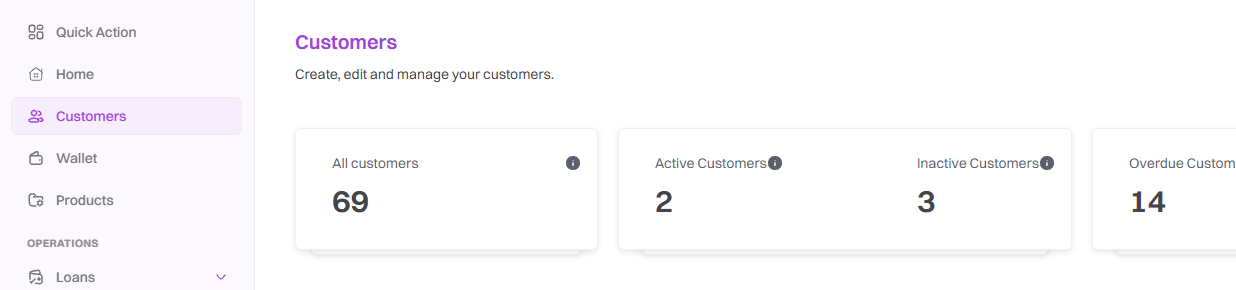
Step 2: Select the Customer name
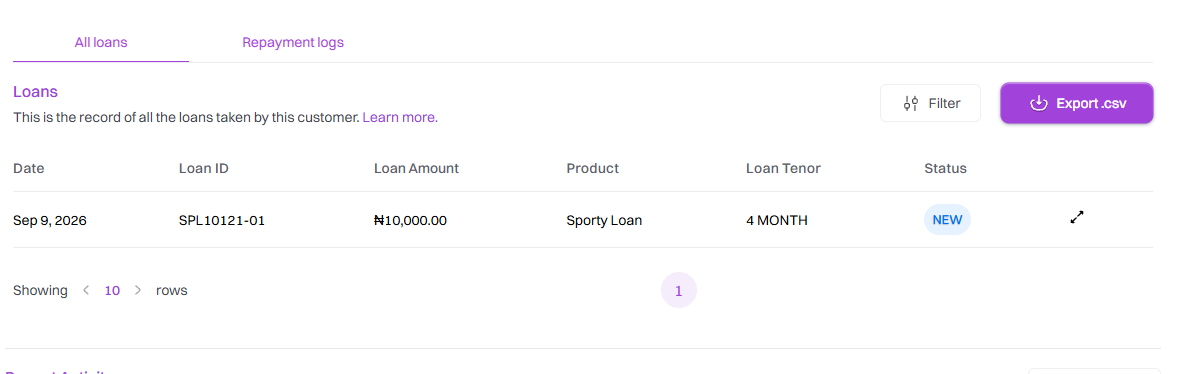
Step 3: Open the Customer Profile
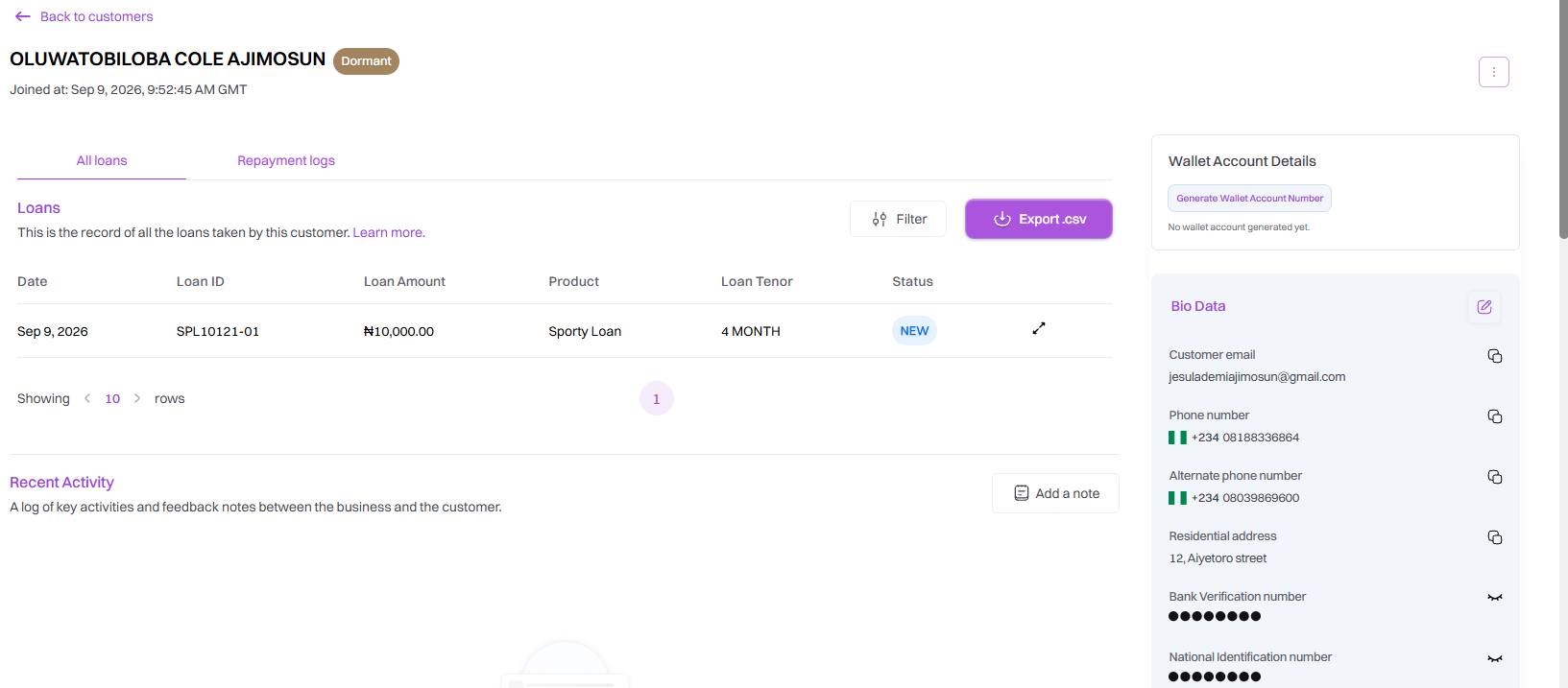
Step 4: Select Edit Customer
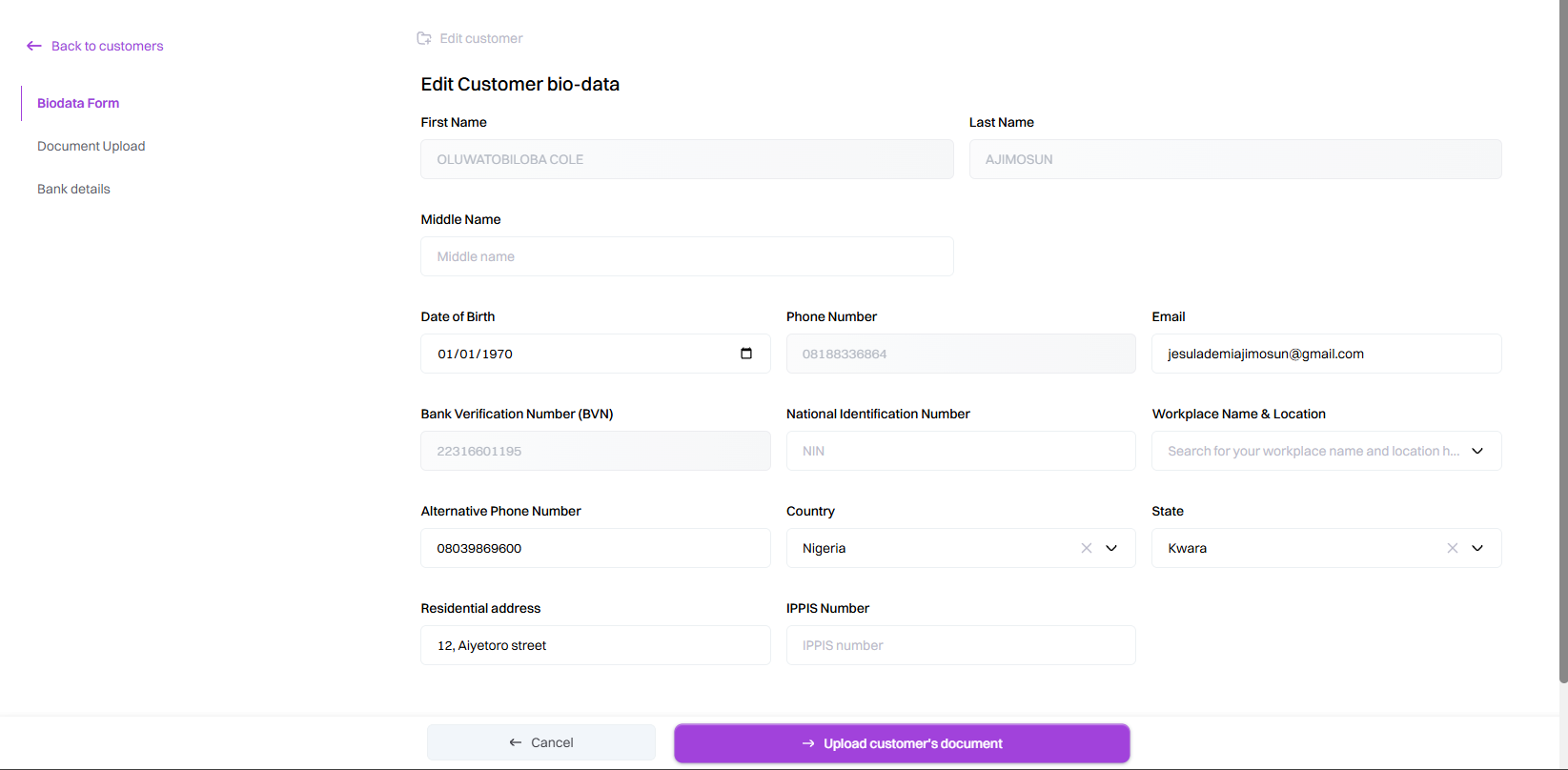
Step 5: Update Customer Biodata
Detailed explanation of each editable field.
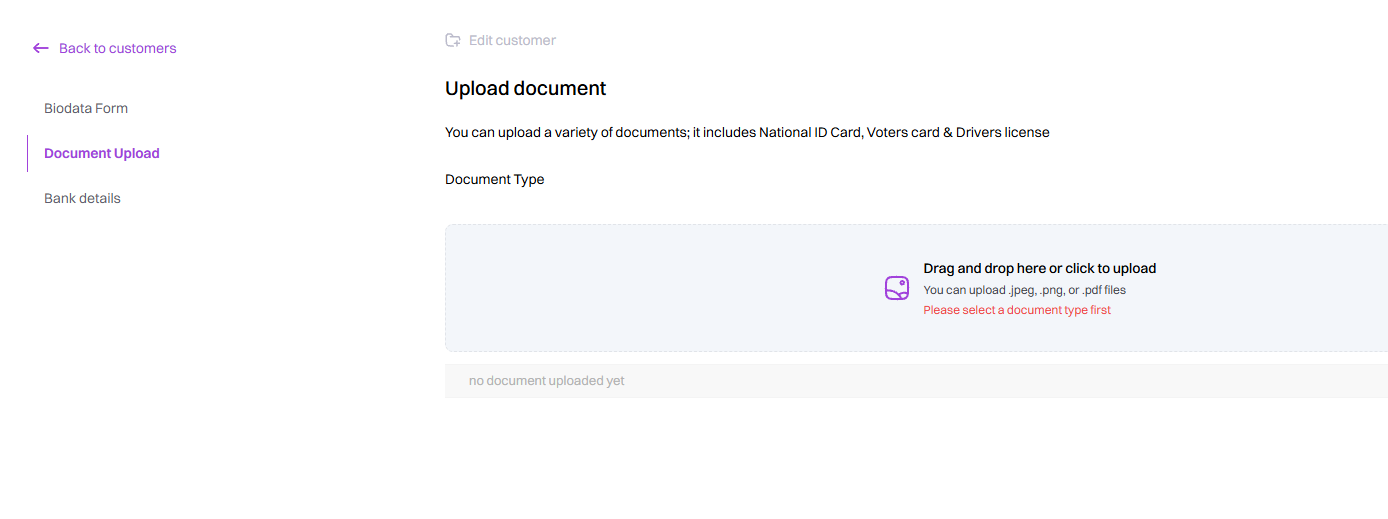
Step 6: Update Documents
Detailed upload/replacement instructions.
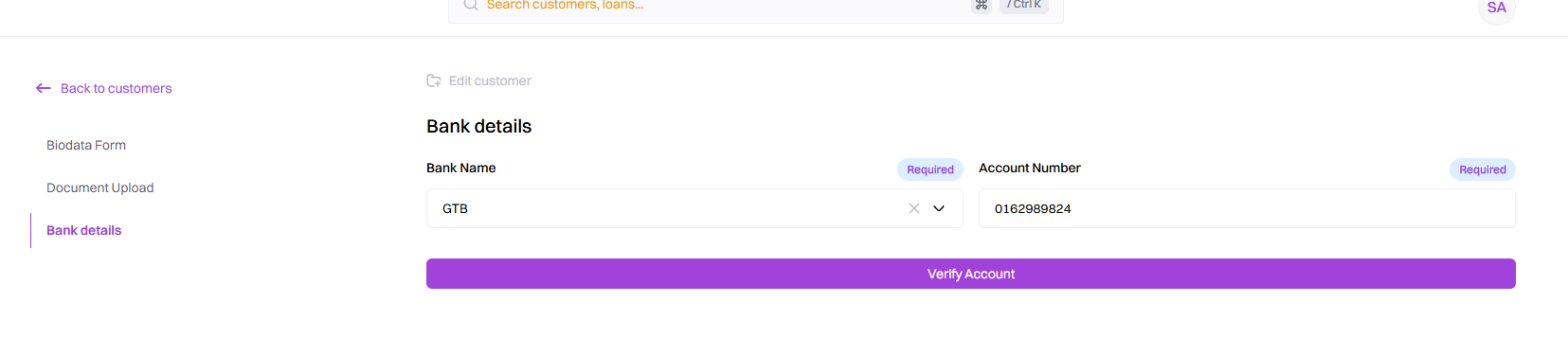
Step 7: Update Bank Details
Detailed explanation of the banking information.
Step 8: Save the changes
What happens after selecting Save/Update.

Step 9: Verify the Updated Information.