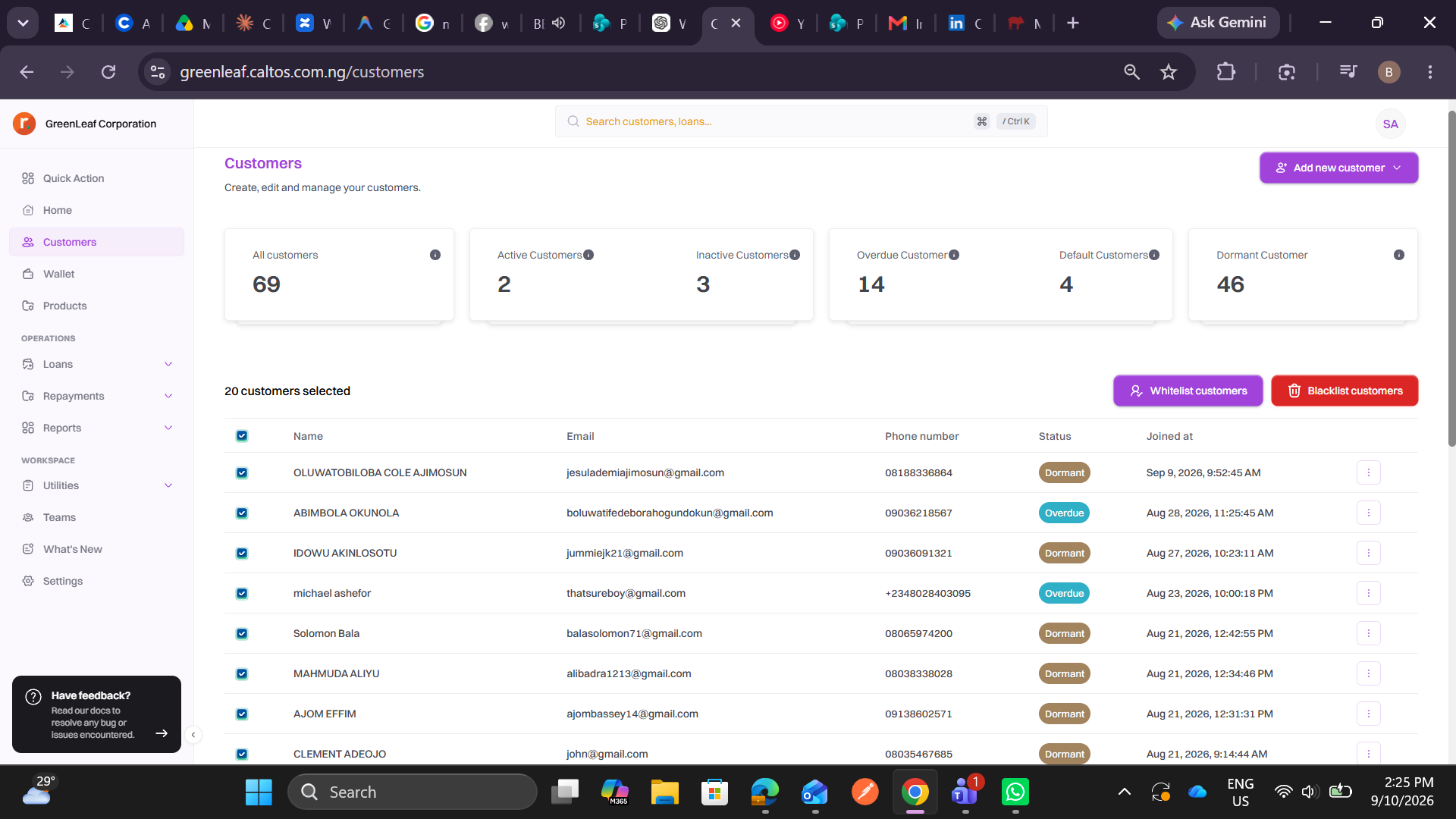
The Blacklist Customer feature allows you to restrict a customer from accessing or participating in applicable lending activities on Caltos.
Step 1: Open the Customers Module
From the Caltos dashboard, locate Customers on the navigation menu and click it.
You will be taken to the Customers page, where you can view, search, and manage customer records.
Step 2: Select the Customer
Select the checkbox beside the customer you want to blacklist.
The selected customer will be added to the selection, and Caltos will display the number of customers currently selected.
You can select multiple customers when you need to perform a bulk blacklist action.
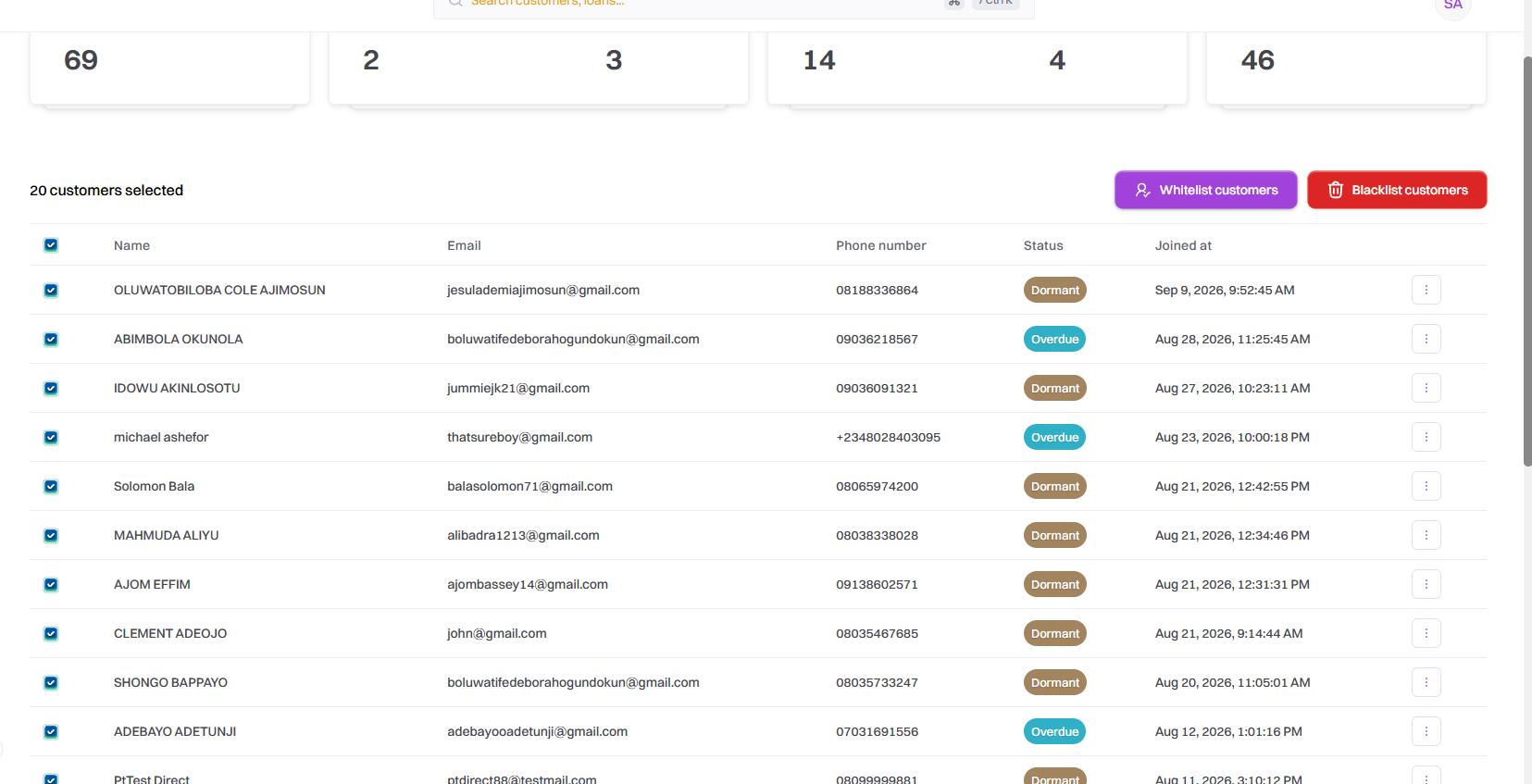
Step 3: Click “Blacklist Customers”
After selecting the customer, click Blacklist customers. A modal pop up for you to select the reason for blacklisting, you select a reason before blacklisting.
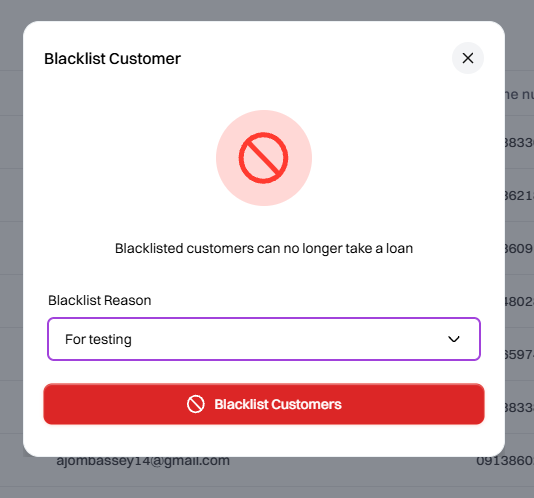
Step 5: Click on Blacklist customers and you have successfully blacklisted customers.
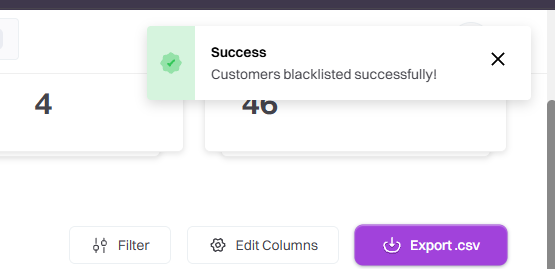
Step 6: To whitelist the customers that were blacklisted; you click on the checkbox to select customer or customers that were blacklisted.